 Smart Digital Tools
Know what to say—without sounding pushy.
Get situation-aware help with customer follow-ups, reminders, inquiries and replies, while keeping messages considerate and grounded in what actually happened.
Downloadable AI-guided toolkit · Not a standalone AI app · You review the results
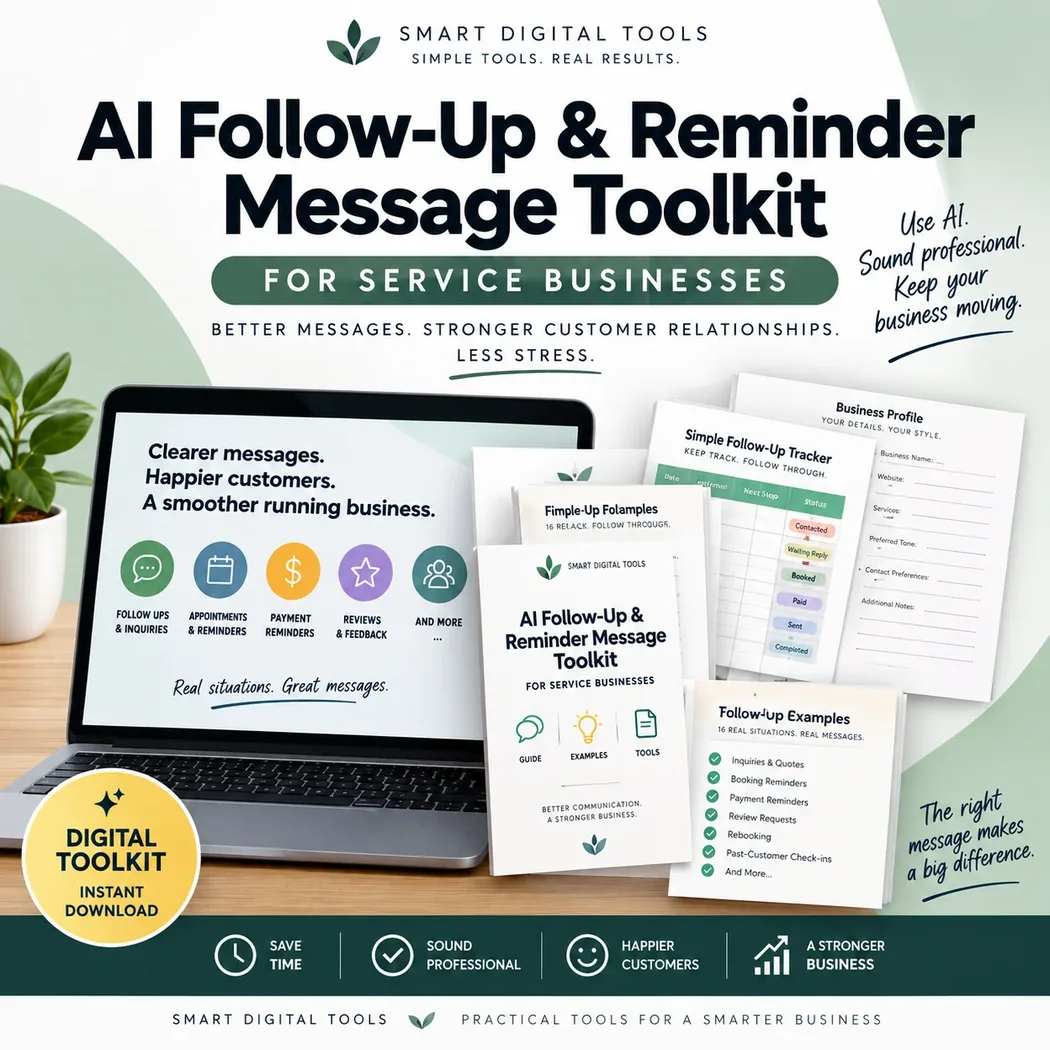
A clearer process for the task.
Instead of starting with a blank chat, use a guided approach and make the final decisions yourself.
Useful when…
- A prospective client has not replied to a requested quote.
- You want to rewrite an appointment reminder or a polite response.
- You need help checking whether another follow-up is appropriate at all.
Situation-aware suggestions
Adjust the message to the actual exchange and communication channel.
Reusable communication profile
Optionally save confirmed preferences to reuse in a new chat.
Optional follow-up tracker
Keep a lightweight record of next steps without a full CRM.
How you use it
You remain in control of the information, responses, and final publishing or sending.
Open your AI assistant
Paste the included Master Prompt into a capable AI chat tool.
Explain what happened
Describe the situation or provide customer messages and screenshots where supported.
Check and use the response
Review factual details, timing, permissions and tone before sending anything yourself.
What this looks like in practice
The example shows the type of thinking the toolkit supports. It is not a live AI service or a screenshot of paid content.
Free customer follow-up guide ↗A customer requested an estimate, received it last week, and has not replied. One gentle check-in may be appropriate.
“Hi! I’m following up on the estimate I sent. If you have any questions, feel free to reply here. Thank you!”
Know what you're getting.
The toolkit includes a reusable Master Prompt, a Start Here Guide, and an optional simple Follow-Up Tracker. It supports different customer communication scenarios and optional reusable preferences.
Some AI features may depend on your chosen platform or plan. Visit Gumroad for the exact current contents and price.
Review on Gumroad ↗Frequently asked questions
Does it send messages on my behalf?
No. It drafts and guides; you review and send messages through your usual communication channels.
Do I have to complete a long business questionnaire?
No. It asks for only the context that matters for the task.
Can it work in different languages?
It can help with different languages to the extent supported by the AI platform you choose.